Migrating Ecommerce Platforms: Do’s and Don’ts
You've outgrown your platform. Now what? A practical guide to migrating without losing customers, rankings, or momentum.
By Kate Maruyama ·
On this page
What does “migrating” mean?
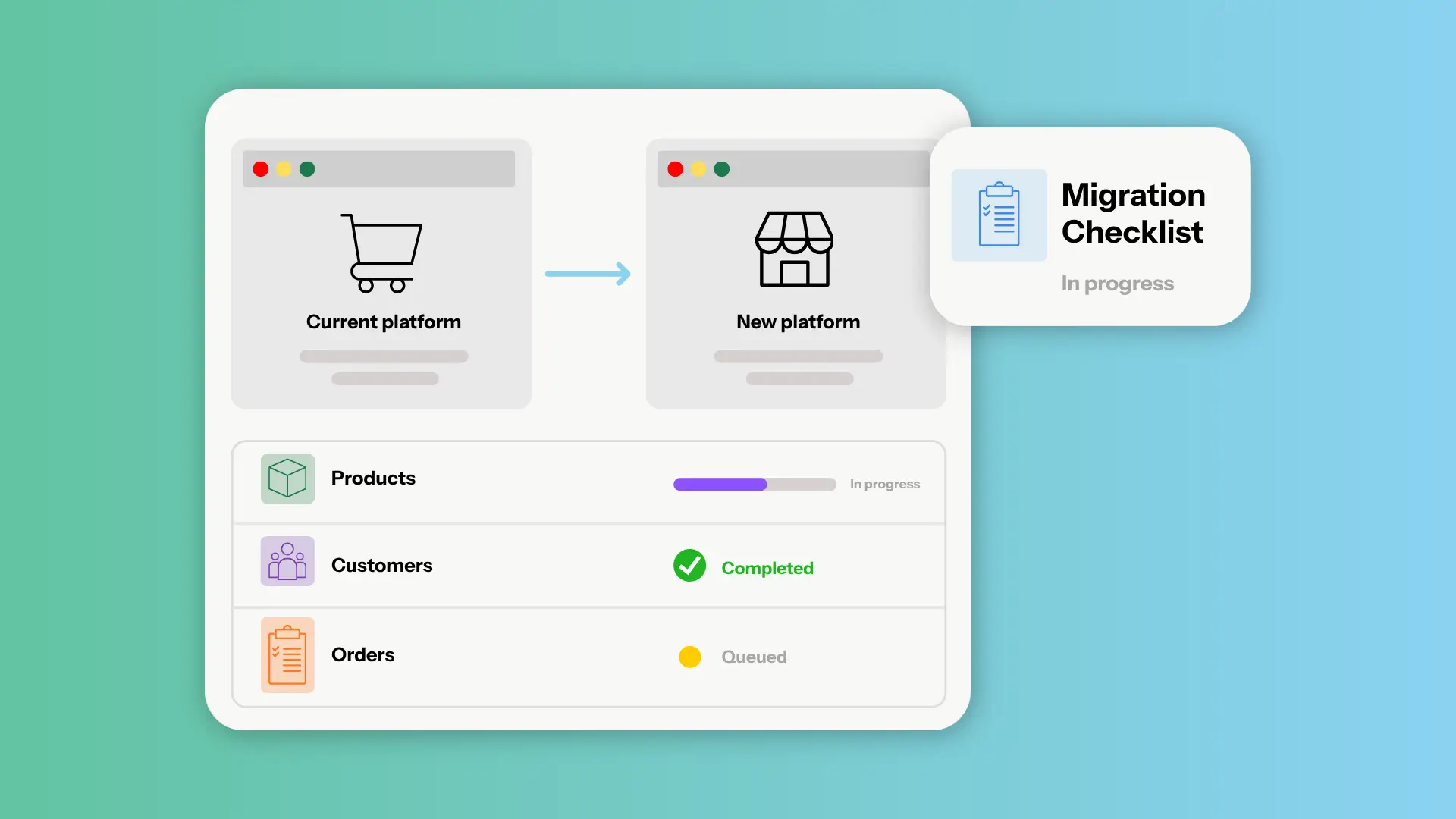
Migrating (also called “replatforming”) is simply when you switch the host or provider of your online services. It’s a term often used for websites or ecommerce platforms, or both. The goal when migrating ecommerce platforms is to transfer your products, customers, content, website, and integrations from your current platform to the new one.
Migrations come in two shapes. A lift-and-shift brings everything over mostly as-is. A rebuild starts fresh and only carries forward what still serves the business.
Depending on the platform you’re leaving and the one you’re going to, you might experience some changes in what you can or can’t do. Not all platforms offer the same services, or fill each function in the same way.
Why would I migrate?
Moving your online store can feel as overwhelming as moving an actual, physical store. It’s usually something store owners do because they’re confident the change will either be a big upgrade in quality and capability, or it will bring significant cost savings without sacrificing capability.
A few reasons you might migrate platforms:
- Your current platform is inhibiting growth. Missing features, slow performance, or hard limits on what you can customize.
- Costs have crept up. App subscriptions, transaction fees, and per-user charges are getting out of control and you want something that offers more bang for your buck.
- Your platform is unwieldy and you’re not tech-savvy enough to make the most of it. And you can't justify hiring a developer to take on the technical maintenance for you.
- Support is thin or non-existent. You’re tired of running in circles with a chatbot or waiting on hold for a real support person.
- You've outgrown a template builder and need more advanced control over design, checkout, or backend workflows.
As for why you might choose not to migrate, that’s likely because there’s no competitor that can actually make a big enough (positive) difference for your business, or because it’s just too much work. Because it’s true, migrating is a hassle.
What does it look like to migrate?
Typically, that depends on where you’re moving from, to, and how much you want to pay. It takes a lot of research up front to know what’s involved. Does your platform provide csv files you can easily download for all your product info? Does your new platform allow you to upload them and then auto-populate everything for you?
In some cases, apps are available to expedite specific transfers, such as ??? Even if you’re using an app, you still have to be on top of the migration process and make sure nothing falls through the cracks. No single app can take care of everything.
Some platforms like Shopify have a list of partners who will manage your migration, for a fee. The cost varies depending on your store’s size and complexity, but they typically start at $1,000 even for a small business.
Merchant Tech does white-glove, fast ecommerce platform migrations (included for anyone switching over from another platform) because DIY can be such a nightmare for businesses.
Because we have so much in-house experience doing migrations from various other platforms and providers, we put together a list of do's and don'ts for anyone contemplating a migration.
Before you migrate: how to prepare
The work you do before the migration determines how painful it’ll end up being. Most of it is auditing so you know exactly what to bring with you and what to leave behind.
Do:
- Confirm your new platform has everything you need before you commit. Audit your products, customers, orders, content, and integrations.
- Take note of what shouldn't come with you (unused apps, dead product listings, stale content). A migration is one of the few times you get to clean house without disrupting the business.
Don't:
- Take on more than you're ready for. If you don't have the bandwidth to evaluate your options properly, don't start.
- If you are sure about the migration, don't feel the need to drag along tools or plugins that haven’t earned their keep. A migration is a great time to clear the clutter.
How to avoid disrupting sales
The goal with any migration is that your customers don’t notice. But to make that happen, you have to understand the technicalities behind switching domains and DNS records. And you have to be exceptionally thorough, so everything is fully ready before you switch over.
Do:
- Plan the migration for a slower window. Summertime is a great time for ecommerce brands to undergo changes to their tech stack in preparation for the busy Black Friday season.
- Identify the customers most likely to be affected: subscribers, wholesale accounts, anyone with saved payment methods.
- If an announcement or instructions for updating payment methods are needed, draft them in advance. Keep the old store live and taking orders until the new one is fully verified.
Don't:
- Cancel your old platform plan before your new store is set up, tested, and taking orders without issue.
How to protect your SEO
If you rank well on search engines for queries that are driving purchasing traffic, you don’t want to damage that revenue stream. A lot of things contribute to those rankings. Your URLs, metadata, content, sitemap, and Google's indexing are a few factors.
A migration can preserve all of it, improve upon your setup, or wipe it out, depending on how carefully you plan the handoff. (For the full playbook, see our complete SEO guide for migrations.)
Do:
- Transfer the work you've already done. That could be meta titles and descriptions, URLs, image alt text, or structured data. (If you haven’t done that work yet, now could be a good time to tackle your SEO list).
- Build a full redirect map so every indexed URL on the old site has a destination on the new one. Submit updated sitemaps to Google Search Console once you're live.
Don't:
- Switch to a platform that doesn't support SEO fundamentals. If you can't edit meta tags, set URLs, or control page redirects, keep looking.
- Don’t change your URL structure without a reason; if you can preserve slugs, preserve them.
- Don't block your staging site from crawlers and then forget to unblock the live one.
During migration
A ruthless attention to detail will be the difference between a smooth transition and a rocky one. Don’t let small things fall through the cracks while you're focused on the big ones.
Do:
- Freeze changes to the old store once you’ve transferred your data. If you don’t, you and your team may end up making edits that you end up losing, unless you’re putting in double the effort to make changes to both stores.
- Work in a staging environment so nothing customer-facing changes until you're ready. Keep a running checklist of what's been moved and verified.
Don't:
- Migrate during your busiest season.
- Don’t skip staging and push straight to production.
How to know when you’re ready to go live
You’ll have run through a thorough checklist, tested everything on staging or draft mode, and confirmed it’s ready to sell.
Do:
- Test the full customer journey end to end. Browse the store, add to cart, check out, receive the confirmation email.
- Then test the backend the same way: order routing, fulfillment triggers, inventory sync, customer service workflows, reporting.
- Have someone who didn't build the site try to break it.
Don't:
- Switch DNS and point your domain at the new store until you know what you're doing, or have someone on hand who does. A bad DNS change can lead to store downtime and disruption that costs you sales.
Your go-live checklist
Run through this before you flip the switch. If you can answer yes to every question, you're ready.
- Can customers place orders?
- Are payments being processed?
- Is inventory accurate?
- Are orders reaching fulfillment?
- Are customer emails being sent?
- Are analytics and marketing tools recording activity?
- Are old URLs redirecting correctly?
- Can staff complete their usual tasks?
Moving platforms doesn't have to be a blocker
Migrating platforms is a lot like moving into a better space. The planning is long, the day of is intense, and you'll find things you forgot you owned. But the reason you're doing it is because the new place fits the business you're becoming, and that's worth the effort.
If you're thinking about a move, Merchant Tech includes full migration for every business switching over. We handle the heavy lifting so you can focus on what happens after the doors open.

Kate is a Senior Editor at Merchant Tech where she oversees content that helps merchants understand platform tools, optimize their online stores, and grow their businesses.


